
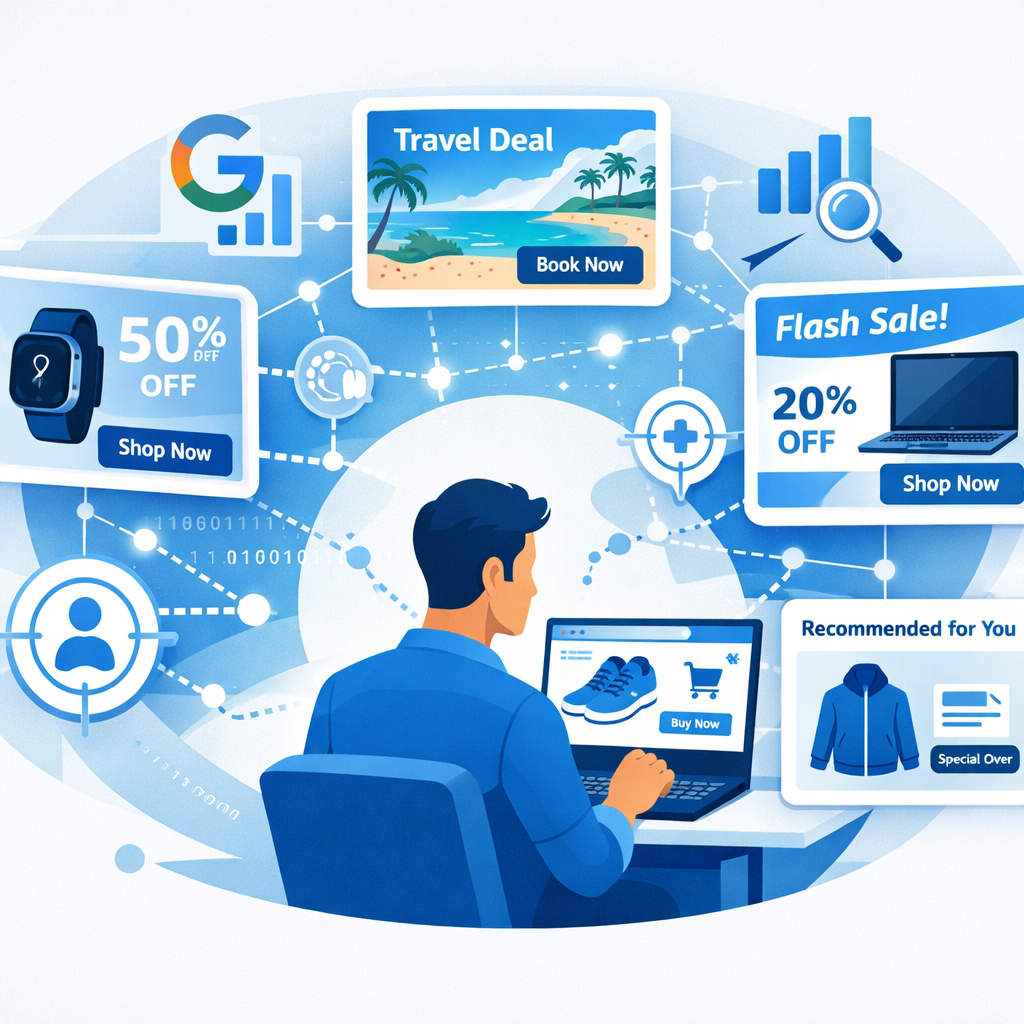
How do you get your ads to speak to each individual customer?
Have you ever been browsing the internet and seen an ad for a product you were just considering? Or maybe you've seen an ad that shows exactly the shoe you browsed a while ago? That's not magic, it's the power of Dynamic Display Ads, which is one of the smartest ways companies use today to reach you. In the busy world of the internet, it's no longer enough to show one ad for everyone. Imagine you're an athlete who specializes in marathons, and you see ads for mountaineering gear. They're good ads, but they don't matter to you. This is the case with static or generic ads. But dynamic ads are a game-changer. It's like a very smart salesperson who remembers your interests, and delivers you the right product with the right message, and at the right time. This automatic personalization is the secret to their success, which is what makes them achieve much better results than traditional ads. In this article, we'll simply explain to you what these ads are, how they work, and most importantly, how you can set them up yourself on a giant platform like Google.
What are dynamic display ads?
Display ads are simply digital ads that appear to you in the form of images, banners, or videos, on different websites and apps. In other words, instead of having a single copy of the ad, you have several interchangeable parts of images, headlines, and text. A smart advertising system like Google lumps these parts together to create a unique and personalized ad for everyone who sees it.
How is this customization done?
Personalization is based on behavioral data, which is information collected about your online activity, such as:
-
Browsing history: What products have you seen on a particular site?
-
Demographics: Your age, geographic location, and general interests.
-
Incomplete steps: Did you put a product in the cart and then left the site?
With this data, dynamic advertising ensures that the climber sees an ad for a climbing shoe, while a marathon runner sees an advertisement for a running shoe, even if they are both visiting the same news site.
Quick comparison - Dynamic vs. other types
You may hear other similar advertising terms, but it's important to know the key differences between them:
|
Ad Type |
Key Feature |
Simple Example |
|
Static Ads |
It doesn't change. Everyone sees the same image and the same message. |
Static banner advertising displaying the company's logo and public offer. |
|
Responsive Ads |
Its size and design change to fit the advertising space of phone, tablet, desktop. |
The same ad appears small on the phone and large on the computer, but the content is static. |
|
Dynamic Search Ads |
Text-only ads appear in search results. The ad text changes based on the search term you typed. |
Looking for the best running shoes, you will see a text ad titled "The Best Running Shoes for 2025." |
|
Dynamic Search Ads |
The visual content and message change to match your interests and behavior. |
You see a red shoe on the store's website, and you see an ad that shows the exact image of the red shoe. |
Focus on Dynamic Remarketing
This type is the most common and powerful in dynamic advertising.
-
Remarketing: This is a marketing strategy that targets people who have previously visited your website.
-
Dynamic Remarketing: It takes it a step further. It doesn't just remind you to visit the site, it shows you specific products you've viewed or added to your cart. This highly personal reminder is what drives so many people to complete their purchase.
How do dynamic ads work?
To understand how these ads work, you should know the three essential components that make them smart:
-
Dynamic Display NetworkDynamic ads don't appear in one place, but on a vast network of websites and apps. For example, Google has the Google Display Network, which includes millions of websites, mobile apps, and platforms like YouTube and Gmail. This network is the theater where your ads are displayed.
-
Behavioral DataIn order to know what to show you, the system relies on simple tracking tools called tracking pixels or tags. These little codes are implanted in your website, and when a customer visits them, these pixels record their behavior, what they saw, and what they added to the cart.
-
Product FeedThis is the heart of dynamic advertising, especially for e-commerce stores. A product feed is a list often organized in an Excel or XML file that contains all the details of your products: the name of the product, its description, its price, the link to its image, and its availability in stock. For example, Google uses the Google Merchant Center platformto manage these feeds and convert them into dynamic display ads. The pixels tell the system what the customer wants, and the product feed tells the system what it can show them.
Limitations and rules – when can you not use dynamic ads?
Despite the power of personalization, there are strict restrictions imposed by advertising platforms such as Google and international laws to protect users' privacy. You should always review the platform's policies and local laws before launching any campaign.
Here are the most prominent restrictions that Google imposes on dynamic personalized ads:
|
Restricted domain |
Restricted domain |
|
Advertising for minors |
Anyone under the age of 18 cannot be targeted by an expansion of the Children's Online Privacy Protection Act in the United States. |
|
Sexual content |
Ads must respect users' preferences and cannot display any content that suggests sex. |
|
Alcoholic beverages |
They can be advertised, but they may not promote purported health benefits, target minors, or encourage irresponsible consumption. |
|
Copyright Cuban Wright |
You can't advertise copyrighted content that you're not authorized to use. |
|
Healthcare & Medicines |
Strict restrictions. Ads for healthcare or clinical trials can only be shown after obtaining a certification from Google and advertising on approved sites only. |
|
Financial Products |
Some products such as personal loans or credit repair services cannot be advertised. |
How do you create dynamic display ads on Google?
The Google Display Network is one of the largest and most powerful platforms for running your ads. Here are the ten essential steps to launch your dynamic campaign:
Step 1: Prepare Your Creative Assets
Before you get started on the platform, you should be prepared with the materials that Google's AI will use to create personalized ads. You'll need:
-
Titles and text: They should be clear and simple, and work well with any image or video.
-
Images and logos: You can add up to 15 images with horizontal, square, and vertical sizes and your company logos.
-
Optional videos: You can add videos to increase engagement.
Remember, Google's AI will mix and match these assets to create thousands of possible combinations, so make sure that each part looks good with the others.
Step 2: Create your Google Ads
account If you don't already have one, head over to the Google Ads site and click Get Started Now. You'll need to enter your basic business information such as name, website, and activity description.
Step 3: Choose your campaign objective
You should set one goal for your campaign. Common goals include:
-
Increase Sales Purchases.
-
Lead generation Leads.
-
Increase Brand awareness.
-
Increase page views.
Important: If you choose the Brand Awareness or App Downloads goal, you'll be directed directly to the Offer campaign option. If you choose other goals like sales, Google will often automatically direct you to the Performance Max campaign, and you'll need to manually navigate to the Offer campaign option in the next step.
Step 4: Go to Display Campaign
If you're not automatically targeted, look for the View other campaign types option and then select Display Display.
Step 5: Select Campaign Settings
In this step, you determine where your ads will appear:
-
Location: The countries or regions you want to target.
-
Language: The language your ads will be in.
Step 6: Determine Your Budget and Bidding Strategy
-
Budget: The total amount you want to spend per day on this campaign.
-
Bidding: This is the maximum amount you are willing to pay for a specific action such as a single click - Cost-Per-Click. Google offers recommended bid strategies that you can adjust manually.
Step 7: Add Targeting
Although Google says it will automatically optimize targeting, you can add details to increase accuracy:
-
Audience segments: Target specific groups such as those who are interested in fitness.
-
Demographics: Age and gender.
-
Keywords and Topics: Targeting sites that talk about specific topics.
-
Placements: Specify specific websites or apps where you want your ads to appear.
Step 8: Choose Responsive Display Ad
This is the option that allows you to upload the creative assets you prepared in the first step. A responsive display ad is essentially the dynamic display ad you are looking for. When selected, you will be able to upload the headlines, images, and logos that Google's algorithms will use to create personalized ads.
Step 9: Preview Placements
After entering all the assets, you'll be able to preview how your ads will look in different formats and placements. Google won't show you all the possible combinations, but it will give you a good idea of whether your images and text work together consistently.
Step 10: Review and publish
Review all campaign settings, and name them clearly for easy tracking later. Finally, add your payment details, and click Publish to launch your dynamic campaign!
Why are dynamic ads essential for your online store?
In an era of intense competition, product excellence is no longer enough. It should also stand out in the way you view this product. Dynamic ads offer you this competitive advantage for several reasons:
-
Increased RelevanceThe most relevant advertising is the most effective ad. When a customer sees an ad that shows exactly what they were looking for, the likelihood of them clicking on the ad and completing the purchase increases significantly. This reduces the waste of the advertising budget on uninterested people.
-
Save time and effortImagine that you have 100 products and want to create 5 ad copies for each product with a different image and a different headline. That means 500 ads that need to be created manually! Dynamic ads do the job automatically. You provide the underlying assets, and the system creates and tests thousands of combinations to find the best performers.
-
Continuous Performance ImprovementThese ads are based on machine learning algorithms. This means that the system does not stop learning. It constantly monitors which combination of images and titles is generating the best clicks and sales, and then prioritizes those combinations. This ensures that your campaign is constantly improving over time without manual intervention from you.
-
Enhancing Customer ExperienceDynamic advertising is part of a seamless shopping experience. It reminds the customer of their favorite products in a non-obtrusive way, which enhances the feeling that the store remembers them and cares about their needs, and this builds greater brand loyalty.
Gone are the days of one-size-fits-all advertising. Today, consumers expect a personalized shopping experience, and dynamic ads are the perfect tool to meet that expectation. Whether you're running a small online store or a large brand, incorporating dynamic ads into your marketing strategy is no longer an option, it's a necessity. Start by preparing your product feed, gathering your creative assets, and follow the simple steps we've mentioned to launch your Google campaign. This way, your ads won't just be fleeting images, but rather personalized, compelling messages that speak directly to each customer's needs, turning regular browsing into real sales.