
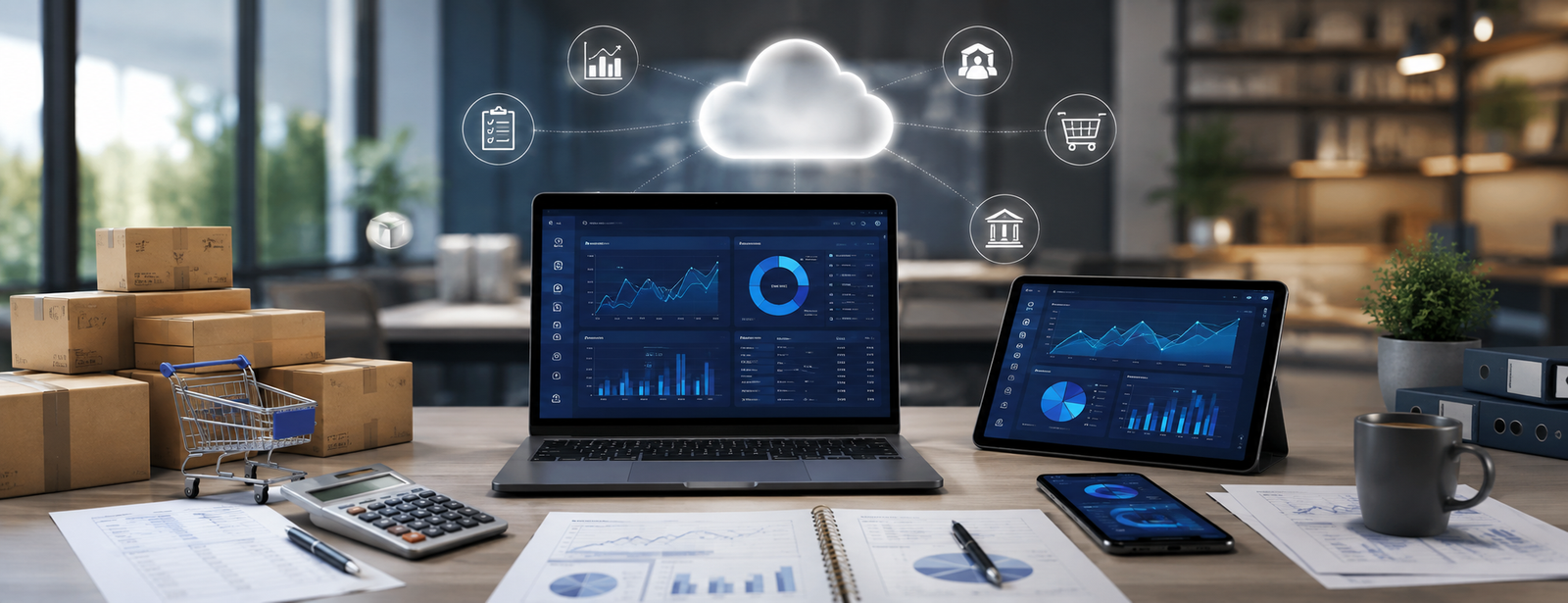
Best Cloud Accounting Software
Choosing the best cloud accounting software has become an important decision for companies that want to track their accounts, sales, inventory, and reports from more than one location without relying entirely on a device or server located at the company’s premises.
However, being available online does not automatically mean that the software is suitable for your company. Good cloud software should combine accounting functions, ease of use, permissions, reporting, customer and supplier management, e-invoicing, and the ability to scale as the number of branches and users increases.
AamalSoft presents DigitalPlus as a cloud accounting system for small and medium-sized businesses that supports financial transaction management, e-invoicing, reporting, and working across different devices.
In this guide, you will learn what cloud accounting software means, its most important features, how it compares with traditional software, and the criteria that help you choose the most suitable system for your business.

What Is Cloud Accounting Software?
Cloud accounting software is an accounting system that operates over the internet and allows authorized users to record financial transactions and manage invoices, sales, purchases, customers, suppliers, and reports without relying entirely on a single device within the company.
Several similar terms are used for this type of software, such as:
- Cloud accounting software.
- Cloud accounting system.
- Online accounts software.
- Online accounting software.
- Internet-based accounting system.
The scope of functions varies from one program to another. One system may provide only invoicing and expense management, while another may provide accounting, inventory, point of sale, reporting, cost centers, and branch management within a single platform.
For a broader understanding of this type of software, you can read the guide Online Accounting Software, which explains online account management and how to use the system from authorized devices.
What Are the Features of the Best Cloud Accounting Software?
The best cloud accounting software is a system that provides integrated accounting functions along with easy access, reporting, permissions, and scalability—not merely software that runs in a browser.
The most important features to look for include:
Accessing Accounts from More Than One Location
One of the most important advantages of cloud systems is the ability to access data from the devices and locations permitted by the system. This is suitable for a manager or accountant who needs to monitor the company from the office, home, or while on the move.
DigitalPro Cloud makes it possible to monitor business operations and accounts through an online accounting system that works across devices and screens of different sizes.
Discover: DigitalPro Cloud the cloud accounting system.

Sales and Purchase Management
The software should be able to track the sales and purchase cycle, not just accounting entries.
Important functions include:
- Sales invoices.
- Purchase invoices.
- Customers.
- Suppliers.
- Payments.
- Collections.
- Returns.
- Discounts.
The more integrated these processes are, the less need there is to transfer data manually between multiple programs.
Inventory Management
If the company sells products, the system should also cover inventory and warehouses.
Look for:
- Item balances.
- Inventory movement.
- Purchases.
- Sales.
- Low-stock alerts.
- Suppliers.
- Returns.
- Item reports.
AamalSoft presents AamalSoft DigitalPLUS as a solution that can be used in retail sectors to manage products, inventory, invoices, and customer and supplier accounts.
What Is the Difference Between Cloud Accounting Software and Traditional Accounting Software?
The main difference lies in the method of operation, access to the system, and the technical infrastructure on which it depends.
| Comparison | Cloud Software | Traditional Software |
|---|---|---|
| Access | Via the internet and authorized devices | Usually from a specific network or devices |
| Working from multiple locations | Easier | May require additional setup |
| Updates | Usually centralized | May require local updates |
| Local server | Less dependent on it | May be required |
| Branch management | Relatively flexible | Requires a suitable network infrastructure |
| Scalability | Adding resources or users depending on the system | May require infrastructure upgrades |
| Dependence on the internet | Higher | May be lower |
This does not mean that a cloud system is better in every case. You should evaluate the system’s performance with a weak internet connection, its backup method, data recovery capabilities, permission policy, and what happens when the connection is interrupted.
AamalSoft’s guide dedicated to small and medium-sized businesses highlighted the importance of reviewing connection stability, backups, data export, and the cost of adding users and branches before choosing a cloud system.
How Do You Choose the Best Cloud Accounting Software?
Before subscribing, test the software according to the company’s actual needs.
Accounting Functions
Make sure the following are available:
- Chart of accounts.
- Journal entries.
- General ledger.
- Customers and suppliers.
- Expenses and revenue.
- Cost centers when needed.
- Trial balance.
- Income statement.
- Statement of financial position.
Ease of Use
Ask to complete a practical workflow:
- Create a customer.
- Issue an invoice.
- Record a payment.
- Create a supplier.
- Enter a purchase invoice.
- Process a return.
- Generate an account statement.
- Generate a financial report.
If an employee needs dozens of steps to complete each process, the system’s power may turn into an operational burden.
Ready to Try the System?
Start your free trial or speak with the sales team for help choosing the right solution.
Permissions
The software should allow users to be separated and permissions to be defined.
An accountant may need to view the accounts, while a sales employee may need access only to invoices and customers. Not every user should have permission to edit or view all data.
Reports
Important questions include:
- What are today’s sales?
- What is the net profit?
- How much are the expenses?
- Which customers have overdue payments?
- What is the inventory value?
- Which products are the best-selling?
- Which branch performs best?
The DigitaPlusl cloud accounting system page presents a dashboard and interactive reports for monitoring performance indicators and comparing results across periods.
To learn more about the types of reports management needs, you can view the guide to Financial Reports.
Should Cloud Software Support E-Invoicing?
For businesses subject to e-invoicing requirements in Saudi Arabia, the invoicing solution used must comply with the requirements applicable to the business.
The Zakat, Tax and Customs Authority explains that a taxpayer may use any electronic solution provider, provided that the system used complies with e-invoicing requirements, which is available in the cloud accounting software from AamalSoft.
Therefore, do not rely only on the word “approved”; instead, test:
- Tax invoices.
- Simplified tax invoices.
- Value-added tax.
- QR Code.
- Credit and debit notes.
- XML and integration requirements when Phase Two applies.
The DigitalPlus software page lists support for e-invoicing and Phase Two compliance among the system’s published features.
You can also read the guide Accounting Software Compatible with E-Invoicing to learn the most important selection criteria.
What Is the Best Cloud Accounting Software for Small Businesses?
A small business needs an easy-to-use system that does not impose unnecessary complexity while still allowing it to scale.
Look for:
- Accounts.
- Invoices.
- Customers.
- Suppliers.
- Expenses.
- Taxes.
- Reports.
- Permissions.
- Inventory when needed.
- The ability to add users and branches.
AamalSoft presents DigitalPro Cloud as a cloud accounting system designed for small and medium-sized businesses, with an Arabic-language interface, archiving, e-invoicing, and financial reports.
You can also read the guide Best Accounting Software for Small Businesses in Saudi Arabia to identify the essential functions before subscribing.
Is Digitalplus a Suitable Option?
Yes, DigitalPlus is an integrated cloud accounting system that enables online monitoring of operations and accounts and is designed specifically for small and medium-sized businesses.
The features presented by the system include:
- Account and financial transaction management.
- Arabic-language support.
- Archiving.
- E-invoicing.
- Financial reports.
- Dashboard.
- Reports and performance indicators.
- Sales and inventory management for retail businesses.
- Customers and suppliers.
- Using the system on devices of different sizes.
Therefore, DigitalPlus can be considered a strong option when searching for the best cloud accounting software for companies that want to combine accounting, online access, reporting, and operations management in one system.
Discover:cloud accounting system DigitalPlus.
Is Cloud Software Suitable for Restaurants and Retail Stores?
It can be suitable provided that it includes functions specific to the sector.
Retail stores need:
- Inventory.
- Products.
- Suppliers.
- Sales.
- Discounts.
- Invoices.
- Point of sale.
Restaurants, however, need additional functions such as recipes, ingredient costs, waste management, point of sale, and reports.
AamalSoft presents AamalSoft solutions for the retail and restaurant sectors, including inventory, sales, purchases, reports, and point-of-sale integration.
If the restaurant’s workflow requires a more specialized system, you can view the Accounting System for Restaurants and Cafés.
Mistakes to Avoid When Choosing Cloud Accounting Software
Do not base your decision solely on price or the phrase “cloud system.”
Avoid:
- Not testing the software before purchasing.
- Ignoring the quality of the internet connection.
- Not asking about backups.
- Ignoring the ability to export data.
- Not testing permissions.
- Relying on software that does not support scalability.
- Not testing returns.
- Ignoring e-invoicing.
- Not calculating the cost of adding users and branches.
- Choosing the system before involving the accountant.
The best test is to complete a full workflow from the sales invoice until its impact appears in the customer’s account, inventory, and reports.
Frequently Asked Questions About the Best Cloud Accounting Software
What Is the Best Cloud Accounting Software?
The best software is the system that matches the nature of the company’s business and combines accounts, invoices, customers, suppliers, reports, and permissions, with support for inventory, branches, and e-invoicing when needed.
DigitalPlus is one of the options worth evaluating based on the cloud and accounting functions presented on the AamalSoft website.
Is Cloud Accounting Software Secure?
The level of security depends on the service provider’s infrastructure, permissions, backup policies, and user management methods, as well as the company’s own practices.
Can the Software Be Used from a Mobile Phone?
The DigitalPlus page indicates support for use across different screen sizes and devices, including mobile devices.
Is a Cloud System Suitable for Small Businesses?
Yes, especially when the company needs to work from multiple locations, reduce dependence on a local server, and add users or branches as it grows.
Does Cloud Software Require an Internet Connection?
Yes. Cloud systems primarily depend on a network connection, so you should understand how the system operates when the connection is weak or interrupted before adopting it.
What Is the Difference Between DigitalPro and DigitalPro Cloud?
DigitalPro focuses on accounting, point of sale, and related operations, while DigitalPro Cloud is the cloud accounting solution presented by AamalSoft for managing accounts online.
Conclusion
Choosing the best cloud accounting software does not depend only on the ability to access the system online, but also on its ability to manage accounts, invoices, sales, purchases, customers, suppliers, inventory, and reports within a secure and scalable environment.
Before making a decision, test ease of use, permissions, reports, backups, data recovery and export capabilities, and e-invoicing. Then make sure the system can accommodate more users and branches in the future.
AamalSoft offers DigitalPlus – DigitalPlus a cloud solution that combines accounting, reporting, e-invoicing, and operations management. It is designed for small and medium-sized businesses and supports sectors such as retail and restaurants according to the features currently presented on the page.
You can discover AamalSoft solutions, then request a free trial and test the system using your company’s actual transactions before deciding to subscribe.
Start Managing Your Business with Complete Flexibility
Try AamalSoft for free. Start issuing ZATCA-compliant electronic invoices within minutes.
- Free trial with no credit card required
- 24-hour technical support
- ZATCA-compliant