
Best Approved Cashier Software in Saudi Arabia
The best approved cashier software in Saudi Arabia is a point-of-sale system that complies with the Zakat, Tax and Customs Authority’s e-invoicing requirements and combines invoice issuance with the management of sales, inventory, returns, payment methods, and reports. Ideally, it should be connected to an integrated accounting system so that sales data transfers directly to the accounts without being manually re-entered.
However, there is an important point to consider before choosing any software: the word “approved” must be used precisely. The Zakat, Tax and Customs Authority clarifies that its list of e-invoicing solution providers is an indicative, non-binding list and does not constitute approval of the technical solutions themselves. Taxpayers can also use any solution that complies with e-invoicing requirements, even if its provider is not included in the list.
Therefore, when searching for the best approved cashier software, do not make the presence of a logo or the phrase “ZATCA-approved” your only criterion. Instead, ask:
Does the system actually comply with e-invoicing requirements? And can it manage the entire sales cycle after issuing the invoice?
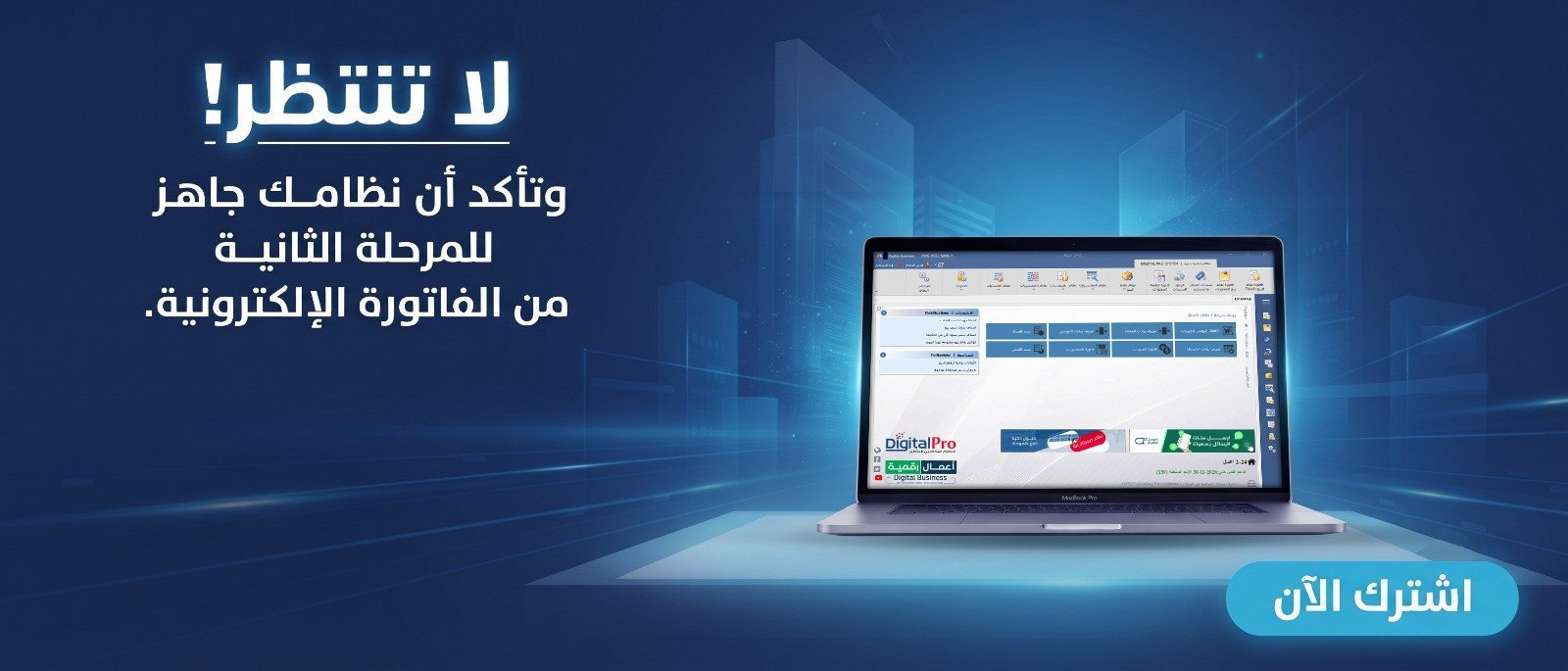
What Is Meant by Approved Cashier Software?
In practical terms, it means a POS system capable of issuing electronic invoices according to the regulatory and technical requirements applicable to the business, rather than simply software that prints a paper invoice.
ZATCA explains that an e-invoicing system includes the devices, software, and applications used to issue invoices, including cash registers. In the first phase, it also requires the use of a technical solution that complies with e-invoicing requirements, rather than relying on handwritten invoices or word-processing software.
The second phase, Integration, adds technical requirements for connecting invoicing systems to the Fatoora platform and is implemented gradually across groups specified by the Authority.
Discover: Accounting and Point-of-Sale Software
What Features Should the Best Approved Cashier Software Have?
Compliance with e-invoicing alone is not enough; the software must also be suitable for running the business itself.
The best benchmark is for the cycle to work as follows:
Product → Barcode → Sale → Electronic Invoice → Payment → Inventory → Accounts → Report
If the cycle stops at invoice issuance, you may need other software and files to manage the rest of the work.
1. Compliance with E-Invoicing Requirements
Start here before comparing prices or the appearance of the software interface.
In the first phase, the basic requirements include the system’s ability to issue electronic invoices containing the required elements, support QR codes when mandatory, and prevent prohibited features such as tampering with invoices and records or uncontrolled access.
If your business has received notification that it falls within one of the second-phase groups, you must ensure that the system is ready to meet the requirements for integration with the Fatoora platform.
You can read the guide to e-invoicing-compliant accounting software before adopting any system within your business.
2. Connecting the Cashier Software to an Accounting System
This is one of the most important points we recommend at AamalSoft.
Standalone cashier software may record sales extremely well, but if the accountant has to re-enter the following at the end of the day:
- Sales.
- Tax.
- Payment methods.
- Returns.
- Customers.
Into another program, you are not working with an integrated system.
It is better to choose an accounting system that connects points of sale with accounts, inventory, customers, suppliers, purchases, and reports, so that a sales invoice automatically affects more than one part of the system.
AamalSoft’s guide to integrated accounting software explains that the sales cycle can move from the sales invoice to the customer’s account, inventory movements, cost of sales, revenue, and financial reports within a single system.
3. Managing Inventory with Every Sale
Good cashier software should not merely tell you the value of sales.
After selling five units of a product, you should be able to see the transaction’s impact on inventory quantities.
Example:
Stock before the sale: 100 units
Quantity sold: 5 units
Expected stock:
100 - 5 = 95 units
If you have multiple warehouses or branches, this feature becomes even more important.
DigitalPro supports inventory and product movement tracking, supplier and warehouse management, as well as multiple units, barcodes, serial numbers, and expiration dates.
Ready to Try the System?
Start your free trial or speak with the sales team for help choosing the right solution.
4. Point-of-Sale Speed and Barcodes
In a supermarket or a busy store, a few seconds per invoice can affect the customer experience.
Therefore, test:
- Barcode scanning.
- Product searches.
- Adding quantities.
- Discounts.
- Changing the payment method.
- Printing the invoice.
- Processing a return.
DigitalPro offers a POS interface that supports touch input, barcodes, product searches, weights, promotions, and returns, while updating inventory according to recorded transactions.
If you are still deciding which type of system is suitable, review the article on types of cashier systems, which explains the differences between standalone, integrated, and cloud-based POS, restaurant cashier systems, and mobile systems.
5. Returns and Permissions
Do not test sales alone.
Process both a full and a partial return, then check what happened to:
Invoice → Inventory → Amount → Sales Report → Accounts
User permissions must also be defined.
A cashier may be allowed to make sales but require a manager’s approval when:
- Deleting an invoice.
- Changing a price.
- Applying a large discount.
- Processing a return.
- Editing a previous transaction.
The more sensitive operations are controlled through permissions, the lower the risk of errors and manipulation.
6. Reports the Business Owner Needs
The best system does not make the store owner wait for the accountant to learn how the day performed.
Reports should help track indicators such as:
| Report | What Does It Tell You? |
|---|---|
| Total sales | Sales volume during the period |
| Sales by cashier | Each employee’s performance |
| Best-selling products | The fastest-moving items |
| Returns | Volume of return transactions |
| Payment methods | Cash, card, and others |
| Inventory | Available quantities |
| Profits | The result of sales and costs |
| Branches | Comparison of location performance |
DigitalPro provides financial and accounting reports, along with analyses of sales, profits, items, and inventory.
What Is the Difference Between Cashier-Only Software and an Integrated POS System?
Basic cashier software may be sufficient if the business is very small and only needs to record sales.
An integrated system, however, connects the transaction to the other parts of the business.
| Function | Basic Cashier Software | Integrated POS |
|---|---|---|
| Recording sales | Yes | Yes |
| Invoices | Yes | Yes |
| Barcodes | May be available | Yes |
| Inventory | Limited | Integrated |
| Purchases | Usually not | Yes |
| Suppliers | Limited | Yes |
| Accounts | Separate | Connected |
| Reports | Basic | More extensive |
| Branches | Limited | Depending on the system |
If you have a store, supermarket, or multiple branches, it is usually better to connect points of sale to an accounting system rather than operating the cashier software separately from the accounts.
Best Approved Cashier Software for Stores and Supermarkets
Stores and supermarkets particularly need:
Fast Sales + Barcodes + Inventory + Suppliers + Purchases + Returns + Promotions + Reports + E-Invoicing
This is why an integrated POS is more useful than basic invoicing software.
You can review the article on the best point-of-sale software in Saudi Arabia to compare the functions required for different types of businesses.
Best Approved Cashier Software for Restaurants
A restaurant needs more than invoice issuance.
It may need:
- Table management.
- Dine-in orders.
- Takeaway.
- Kitchen.
- Delivery.
- Order modifications.
- Bill splitting.
- Item reports.
- Inventory management.
This is why AamalSoft provides a restaurant and café management system for businesses that need an operating cycle tailored to restaurants rather than store cashier software with general settings.
What About the Cashier Hardware?
The software and the hardware are two different things.
You may have excellent software running on a slow device, or purchase an expensive device only to discover that it is unsuitable for the system.
AamalSoft offers the Digital H6 POS device as an All-in-One device designed for point-of-sale environments, with specifications including an Intel Core i5 processor, 8GB memory, and the option of a second customer-facing screen.
To understand the full cost before purchasing, also review the article on the price of a cashier system in Saudi Arabia, because the system’s cost may include the software, device, printer, barcode scanner, cash drawer, and other equipment.
Is DigitalPro Approved Cashier Software?
It is more accurate to say that DigitalPro offers an accounting and point-of-sale system with functions for invoices, sales, inventory, returns, payment methods, and reports, while AamalSoft displays a link to the list of e-invoicing service providers on its website.
However, according to the Zakat, Tax and Customs Authority’s clarification, a provider’s inclusion in the indicative list does not constitute official approval of the technical solution itself. The ultimate criterion is whether the system used complies with the e-invoicing requirements applicable to the taxpayer.
This is the more accurate approach we recommend when evaluating any software on the market.
How Do You Test Cashier Software Before Purchasing?
Do not settle for watching a demonstration.
Run a practical scenario:
Add a Product → Enter the Barcode → Make a Sale → Apply a Discount → Choose a Payment Method → Issue the Invoice → Process a Return → Review Inventory → Review Accounts → Generate the Report
Then ask:
Were you able to complete the entire cycle without Excel or re-entering the same transaction?
If the answer is yes, you are looking at a more integrated system.
Common Mistakes When Choosing Cashier Software
Avoid choosing a system based solely on the word “approved,” purchasing hardware before selecting the software, overlooking integration with accounts and inventory, failing to test returns and permissions, choosing a store system for a restaurant, or comparing prices without knowing which functions are included.
It is better to compare the entire operating cycle.
Frequently Asked Questions About the Best Approved Cashier Software
What Is the Best Approved Cashier Software in Saudi Arabia?
It is a POS system that complies with the e-invoicing requirements applicable to the business and combines sales, invoices, inventory, returns, payment methods, and reports. Ideally, it should be connected to the accounts.
Must the Cashier Software Be Included in ZATCA’s List?
No. ZATCA explains that taxpayers can use any solution that complies with e-invoicing requirements, even if the solution provider is not included in the indicative list.
Does the List of Solution Providers Mean That the Software Is Officially Approved?
No. ZATCA explicitly states that the list is indicative and non-binding and does not constitute its approval of the technical solutions provided.
Does Cashier Software Need an Accounting System?
This is preferable when the business needs to connect sales with inventory, purchases, customers, suppliers, accounts, and reports, instead of manually transferring data between two programs.
What Is the Difference Between Cashier Software and a POS Device?
The software manages sales, invoices, and inventory, while the device is the equipment on which the software runs, such as a POS screen, printer, and barcode scanner.
Conclusion
When searching for the best approved cashier software, do not base your decision solely on the phrase “approved by the Zakat Authority.”
Start with these criteria:
E-Invoicing Compliance → POS Speed → Inventory → Returns → Payment Methods → Permissions → Accounts → Reports → Hardware
Most importantly, ZATCA clarifies that the primary responsibility is to use a solution that complies with the requirements, and that the list of solution providers itself does not constitute official approval of every program included in it.
This is why DigitalPro for Accounting and Point of Sale from AamalSoft provides an environment that combines POS with sales, inventory, suppliers, warehouses, reports, and accounts. If your goal is to build a complete operating cycle, it is better to evaluate it as an accounting system integrated with the point of sale, rather than merely a separate cashier interface.
You can also explore AamalSoft’s solutions or request a trial and test the sales, invoicing, returns, inventory, and accounting cycle yourself before adopting the system.
Start Managing Your Business with Complete Flexibility
Try AamalSoft for free. Start issuing your ZATCA-compliant electronic invoices within minutes.
- Free trial with no credit card required
- 24-hour technical support
- ZATCA-compliant